
An independent guide
Order of the Sinking Star Performance & Troubleshooting
For Order of the Sinking Star performance, start with the platform and version: June PC demo reports do not measure the October full game. SteamDeckHQ reports 60 FPS in most areas at the default lowest settings, with overworld and mirror stutters; Switch 2 reviewers describe drops without a controlled benchmark. For Steam compatibility failures, the October 9 update lowered the game's SDK requirement to SteamClient021 or Proton v9 and later. An October 12 follow-up tentatively addresses the E_INVALIDARG Proton crash. Apply the relevant game update and retest the same symptom; neither announcement guarantees recovery of an affected save.
- Current fixes
- Official Steam announcements from October 9 and October 12, 2026; exact executable build numbers not published in those notes.
- Performance evidence
- Full-game Deck media testing and Switch 2 review observations; Windows numerical examples below are explicitly June demo reports.
- Testing
- Attributed source observations, not this site's hardware benchmark or personal gameplay test.
Choose evidence that matches your machine
Note whether you are playing the full game or the historical demo, then record your platform, game update, resolution or display mode, and the scene where the problem occurs. On PC, include the CPU, GPU and RAM; on Deck, include any forced Proton version. A room that runs smoothly does not establish how the zoomed-out overworld will behave.
The published PC requirements are a hardware checklist. They do not attach a target frame rate or resolution to either specification tier. For the console's TV and portable differences, use the Switch 2 performance observations; for handheld PC settings and controls, use the Steam Deck guide.
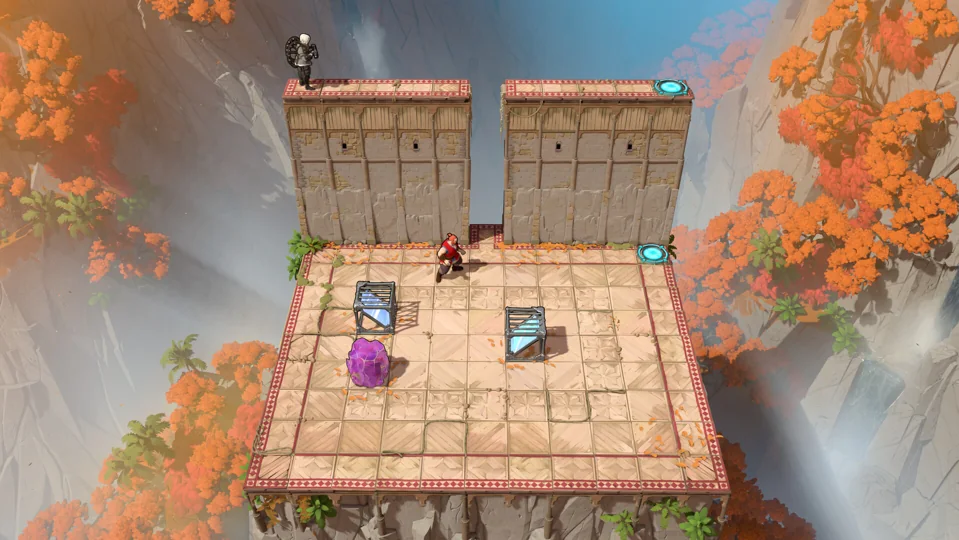
Sources: Steam — official Windows requirements · Noah Kupetsky, SteamDeckHQ — full-game review and Deck settings · Muskar / tarmo888 and other players — June demo performance discussion · Jordan Biordi, CGMagazine — Switch 2 review
What the available performance reports actually show
Different editions and test conditions are kept separate. None of these rows is a matched cross-platform benchmark.
Scroll across to read every column.
| Source and version | Setup / scene | Supported observation |
|---|---|---|
| Noah Kupetsky — SteamDeckHQ, full-game PC review | Steam Deck; default lowest game settings, 60 FPS limit / 60 Hz; no forced Proton. Deck model, exact game build and rendering resolution unstated. | Reports 60 FPS in most areas, with more demanding overworld play and occasional stutter beside mirrors. No consistent loading-time measurement given. |
| Jordan Biordi — CGMagazine, October 7 Switch 2 review | Docked and handheld; larger or interconnected areas. Exact build and output / rendering resolutions unstated. | Noticed frame drops in both modes. No numerical frame-time or loading test supplied. |
| tarmo888 — original Steam discussion, June 21 demo | GTX 1660 Super; 1440p Auto (Balanced), then 1080p Performance. CPU and RAM unstated. | At 1440p, reports about 30 FPS in the overworld, 60 in The Promise and 20 when zoomed out there. At 1080p Performance, reports 60 in the normal overworld but around 30 in more demanding zoomed-out views. |
| Muskar — same June demo discussion | GTX 1050 Ti; Heroes / water overworld. Resolution, CPU and RAM unstated. | Reports an improvement from 22 to 27 FPS after the demo extension. This is one user's historical observation, not a current minimum-spec result. |
These accounts make the scene important: overworld views and some mirror interactions deserve checking when deciding whether a setup feels comfortable. They do not establish a shared technical cause. In particular, the June Windows figures cannot certify the launch game's optimization, and a reviewer's 60 FPS in most Deck areas is not a locked-60 guarantee.
Sources: Noah Kupetsky, SteamDeckHQ — full-game review and Deck settings · Jordan Biordi, CGMagazine — Switch 2 review · Muskar / tarmo888 and other players — June demo performance discussion
Steam SDK incompatibility: the October 9 fix
The developer's October 9 notes say the game was moved to an older Steam SDK to avoid compatibility problems. The requirement became SteamClient021, or Proton v9 and above. SteamClient021 is the interface name used in the announcement; it is not an instruction to find a consumer installer called “Steam version 21”.
Install the game update through Steam and keep the Steam client current before retesting a launch or compatibility failure. If you have manually pinned an older Proton release, check that override against the stated v9 minimum. The notes identify a compatibility fix; they do not say every crash, frame drop or cloud-save problem had that cause.
Record the failure before changing the setup
Keep the exact error text, the platform and any forced Proton setting. Identify the action that causes it, such as launching the game or entering a particular room.
Apply the matching update
Allow Steam to finish the full game's update. For the SDK issue, the relevant change is the October 9 announcement; a Proton override must meet its v9-or-later condition.
Repeat the same action
Relaunch and try the operation that failed. Reaching the expected menu or room without that error is the useful check on your setup. If the same failure returns, keep the error and reproduction details for support rather than treating the patch announcement as proof it worked.
Completion signal: The previously failing operation works on your updated installation, or you have a reproducible remaining failure to report.
Sources: Thekla / halfwaydownltd — Update notes for October 9 · Arc Games Support — How do I report a gameplay bug?
E_INVALIDARG on Proton: a later, tentative fix
The October 12 part 2 announcement specifically targets an E_INVALIDARG crash under Proton on Steam Deck, Steam Machine and Linux. Its wording is tentative: the developer hopes the update fixes it. This is a later issue than the October 9 SDK change, so updating only to that earlier patch does not cover the newer announcement.
If that exact error is your symptom, install the available full-game update, then retry the same action that produced it. A successful retry is evidence for your installation; another E_INVALIDARG failure should be reported with the current update and Proton version. The note is not a general Windows fix or proof of improved frame pacing.
Sources: Thekla / halfwaydownltd — Update notes for October 12 part 2 · Arc Games Support — How do I report a gameplay bug?
Other October 9 fixes to compare with your symptom
- R2 no longer speeds up time after the first puzzle solve
- The patch addresses this when starting with Skipping Stones. After updating, repeat that input in the matching situation; the note does not change every platform's control mapping.
- Undo sometimes fails while on a Rover
- The developer lists a fix for this particular undo failure. It does not describe recovering every already damaged save.
- Checkpoint or aspect-ratio trouble in particular levels
- The notes mention some Skipping Stones checkpoint repairs and aspect-ratio corrections in a few levels. They do not identify every affected room or establish a fix for a console TV-output fault.
Retest only the operation matching your problem. These are Steam update claims, not confirmation that PS5 or Switch 2 received the same build. No save deletion, reinstall loop or custom display driver is required by these notes.
Sources: Thekla / halfwaydownltd — Update notes for October 9
Send a useful report without discarding progress
Arc Games' official bug-report page directs Order of the Sinking Star players to the game's Discord server and its #bug-reports channel. It also offers a support-ticket route. Use the official reporting instructions to reach the current channel.
Include the exact symptom, reproduction steps, platform, installed update, hardware and relevant settings. If a patch changed the behavior, say what worked before and what happens now. Preserve your progress while investigating: the cited notes supply no general save-reset remedy. For a save mismatch, the cloud-save guidance addresses synchronization separately.
There is no matched rollback procedure or universal save-recovery method in these update notes. Avoid downgrading files or replacing a save merely to imitate another user's setup; ask support about the identified failure when the documented update does not resolve it.
Sources: Arc Games Support — How do I report a gameplay bug? · Thekla / halfwaydownltd — Update notes for October 9 · Thekla / halfwaydownltd — Update notes for October 12 part 2
Sources and scope
- Steam — official Windows requirements
Full-game Windows product 499170; hardware tiers do not specify FPS or resolution targets.
Research checked
- Noah Kupetsky, SteamDeckHQ — full-game review and Deck settings
Original full-game PC review on Steam Deck; publisher-provided copy. Exact build, Deck model and render resolution unstated.
Research checked
- Jordan Biordi, CGMagazine — Switch 2 review
October 7, 2026 full-release review; TV and handheld qualitative observations, not an instrumented benchmark.
Research checked
- Muskar / tarmo888 and other players — June demo performance discussion
June 20–21, 2026 original community reports after the demo extension. Not October full-game measurements.
Research checked
- Thekla / halfwaydownltd — Update notes for October 9
Original full text retrieved through Valve's Steam News API; SDK compatibility and named gameplay fixes for the Steam release.
Research checked
- Thekla / halfwaydownltd — Update notes for October 12 part 2
Original Steam News API text and announcement redirect checked; tentative E_INVALIDARG Proton crash fix, not a verified universal recovery.
Research checked
- Arc Games Support — How do I report a gameplay bug?
Official title-specific Discord #bug-reports destination and support-ticket option; page updated October 11, 2026.
Research checked